

 Analysis by Gamescozy
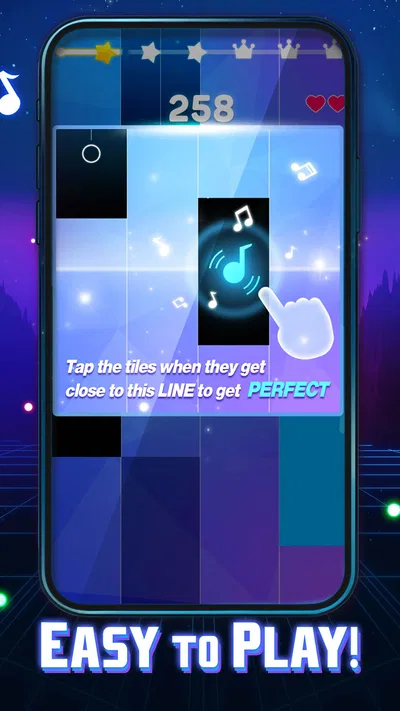
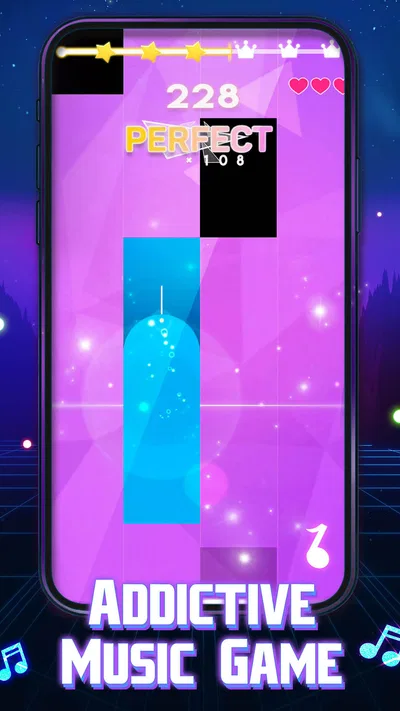
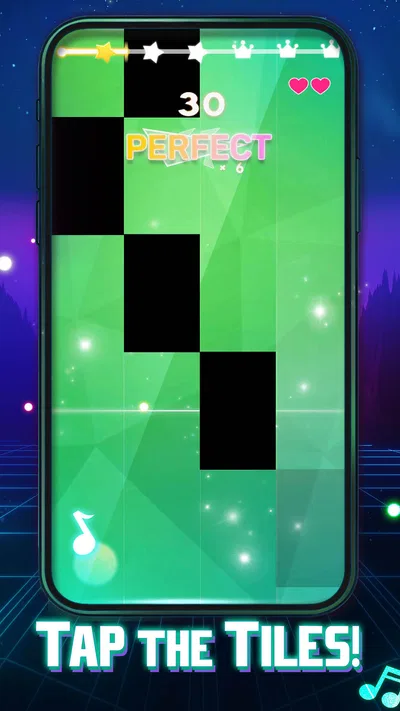
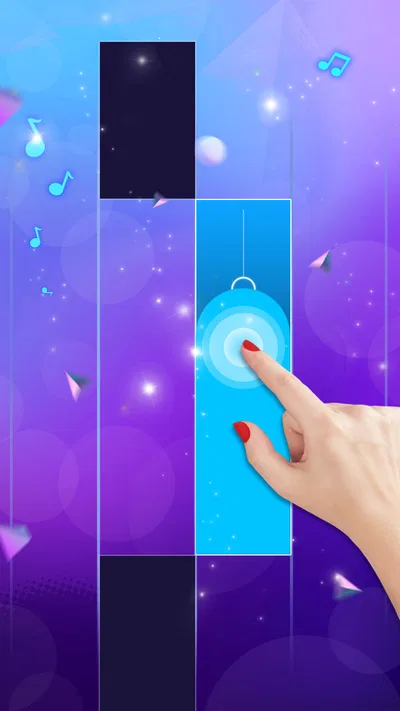
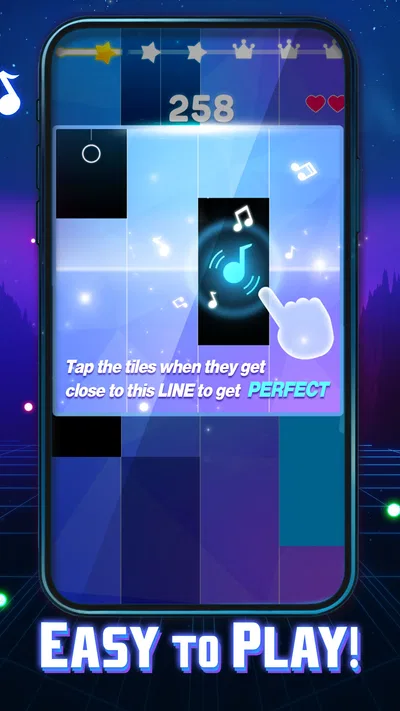
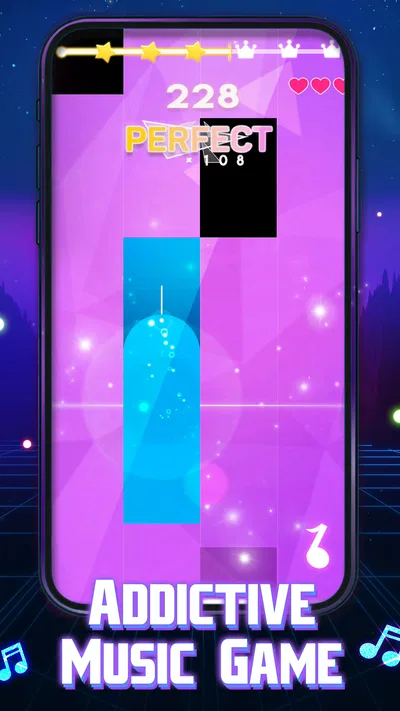
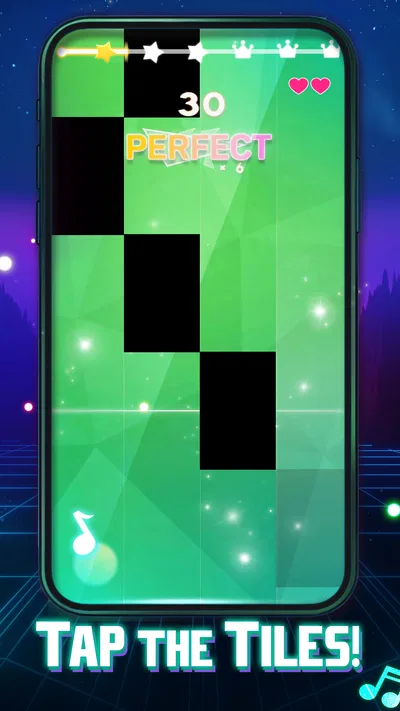
I can see Magic Dancing Tiles fitting naturally into a shared phone or tablet: one person opens it for a quick music break, then hands the device to someone else for a turn. It is a free rhythm game from PHY STUDIO, built around tapping piano-style tiles in time with electronic music. I like that the idea is immediately understandable. You do not need to learn a complicated control scheme before you can try a song, which makes it easy to offer to a friend or family member for a few minutes.
That simplicity also defines the game’s limits. This is best approached as a focused tap-and-timing activity, not as a broad music app or a full piano-learning tool. The appeal is the challenge of matching taps to the beat and keeping your attention on the moving tiles. If you want a casual game that can fill a short pause, it makes sense. If you want to practise real keyboard technique, explore music creation, or listen passively to a large catalogue, a different kind of app will serve you better.
Passing the phone around works best in short bursts
In a shared-device setting, the clearest use case is taking turns rather than playing together. One person can try to keep up with a track, then pass the phone to the next player. That creates a simple, low-pressure challenge without requiring everyone to understand a complicated set of rules. I would treat it as a small waiting-room or sofa game, not something that needs to occupy an entire evening.
A practical tip is to agree on whose turn it is before opening the game. In many tap games, a player’s hands cover part of the screen, and quick handovers can interrupt concentration or lead to accidental taps. Let the current player finish their attempt before passing the device, and give the next person a moment to get comfortable with the screen. That tiny bit of coordination makes a shared session feel less chaotic.
It can also work as a quick personal reset between other tasks. A short rhythm challenge asks for active attention, unlike background music, so I would use it when I have a spare moment and want something engaging. It is less suitable when I need to keep one ear open for conversation, follow instructions, or watch a child closely. The game rewards focus, and splitting attention is likely to make the tapping feel frustrating rather than relaxing.
Its audience is substantial: Magic Dancing Tiles has more than fifty million installs and an average rating of 4.8 from around fifty thousand ratings. Those figures suggest that the quick-access rhythm format has broad appeal, but they do not tell me whether a particular song or difficulty will suit every player. I would judge it by whether the basic timing challenge is enjoyable for the people sharing the device, rather than assuming popularity guarantees a perfect fit.
Set expectations before someone else plays
Because the game is free to install but includes in-app purchases, I would set a clear expectation before handing a shared device to a child or someone who may tap through prompts without thinking. Purchases range from $3.99 to $29.99 per item. That does not mean a purchase is necessary to enjoy a short session, but it does make household boundaries worth discussing. If the device is used by more than one person, the person responsible for its store account should decide how purchases are handled before play begins.
There is a useful distinction between sharing the device and sharing an account. Passing a phone around for a turn does not automatically make everyone’s purchase decisions or app-store activity interchangeable. I would keep any household payment rules separate from the game itself: make sure younger players know to ask before buying, and avoid treating an unlocked device as permission to spend. This is a general shared-device precaution, not a claim that the game provides family controls.
For a smoother first session, I would also let a new player try the basic tapping idea before making the game competitive. Rhythm games can feel simple while still demanding quick reactions; a person who misses beats at first may need a few attempts to get used to the visual timing. A friendly “let’s see how it feels” is more useful than immediately comparing scores or expecting a perfect run. That approach helps keep the game accessible to different ages and experience levels.
The game is currently version 0.5.69, and its stated minimum operating-system requirement is 7.1. Before installing it on an older shared device, I would check that the operating system meets that requirement and that there is enough room for another game. That is especially useful in households where one tablet is kept for several people and may not be updated as often as a personal phone.
Coordination matters more than a complicated setup
The most helpful shared-device routine is simple: choose a player, keep the device steady, finish the attempt, then pass it along. A tablet can be easier for multiple people to see, while a phone is more convenient for a quick one-person turn; either way, the player needs a clear view of the tiles and room to tap. I would avoid placing the device where people are likely to bump it or where glare makes the screen difficult to read. Those small choices can matter more than adding extra rules.
Sound is part of the rhythm-game experience, but households do not always agree on volume. I would keep it low in a shared room or use headphones when that is appropriate and safe. Headphones can help a player concentrate, though they make conversation and nearby activity easier to miss. For a child, or whenever someone needs to remain aware of the room, speakers at a considerate volume are the more sensible choice.
There is also a difference between taking turns and trying to coordinate simultaneous play. The game’s central interaction is tapping tiles in rhythm on a device, so I would not assume that several people can play at once in a way that feels comfortable. If a group wants a lively activity, rotating turns keeps the screen readable and gives everyone a clear role. If the main goal is a collaborative music session, a multiplayer music game designed for shared input would be a better match.
When a player keeps missing taps, I would first check whether they are trying to follow the beat or simply reacting to the tiles as they appear. In rhythm games, watching the pattern and anticipating the next tap can be more manageable than waiting until a tile seems to demand attention. This is a practical way to approach the challenge, not a special feature or hidden mode. It also gives experienced players a useful coaching tip without taking over the device.
Age, trust, and the kind of music game it is
Magic Dancing Tiles carries a Mature 17+ content rating. I would take that rating seriously when choosing a game for a younger player, rather than relying only on the piano-tile presentation or the fact that the controls look simple. A music-themed format does not by itself make a game suitable for every age. Parents and guardians should check the app-store age guidance and decide whether it fits their household before a child uses it.
The developer is PHY STUDIO, and the game sits in the music category. That combination describes the broad idea, but it is still a game first: its purpose is active play built around timing, not instruction in reading music or learning an instrument. If a child wants to understand notes, practise a piano part, or build structured musical skills, I would choose an educational instrument app or lessons instead. If the goal is a brief test of rhythm and reactions, this is closer to the mark.
For adults sharing a device with teenagers, I would make the purchase boundary explicit and keep the age rating in view. The game is free to download, but optional in-app purchases mean the word “free” should not be confused with “no possible spending.” I would also avoid assuming that every household member should use the same store account in the same way. Clear rules about who can approve purchases prevent an enjoyable turn-taking game from becoming an avoidable account dispute.
Compared with a conventional piano-learning app, this game asks for fast, repeated taps rather than patient practice on a keyboard. Compared with a general rhythm game, its piano-tile presentation gives the challenge a familiar visual hook, but the experience remains narrow and focused. That narrowness is a strength for a quick session and a weakness if you want variety in activity or a deeper relationship with music. I would choose it for a compact reaction challenge, not as a replacement for a music course or a family music-making app.
Who will enjoy it, and who should look elsewhere
I would recommend giving it a try if you enjoy electronic music, like games that are easy to start, and do not mind repeating a timing challenge to improve. It is particularly convenient for people who want a short activity on a phone rather than a game that requires a long setup or a large group. The free entry point makes a casual first attempt easy, while the purchase range is a reason to decide household spending rules in advance.
I would skip it if your priority is calm listening, detailed music lessons, or a shared activity where everyone participates simultaneously. It may also disappoint players who dislike quick reactions or find repeated tapping tiring. A more traditional music app is better for learning, a rhythm title with explicit multiplayer support is better for coordinated group play, and a streaming app is better when you simply want music in the background.
On a crowded family tablet, I would treat Magic Dancing Tiles as a turn-based option with clear boundaries: check the age guidance, make purchase expectations plain, and hand over the device only when the current attempt is finished. Those steps do not add complexity; they help the game stay what it is best at—a quick, accessible rhythm challenge. With an average rating of 4.8, it is clearly popular, but my recommendation is still conditional: it is worth trying if the tapping itself sounds fun to you.
My household verdict: Magic Dancing Tiles is a handy choice for brief solo turns and casual device sharing, provided everyone understands the age rating and purchase boundaries. I would not choose it as a learning tool or a simultaneous group game, but for a quick electronic-music challenge between everyday tasks, its simple format is easy to appreciate. If you are deciding whether to install it on a shared device, start with one supervised session and see whether the players enjoy the pace before making it a regular pick.